
Last updated on
Aug 25, 2021
Find a solution for an error message where Adobe XD prompts you to uninstall and reinstall on Windows 10.
Prompt to uninstall and reinstall
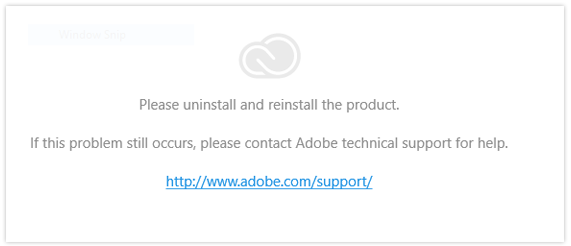
On Windows 10 devices, an error message in Adobe XD prompts to uninstall and reinstall the product.
If you’re running multiple accounts on Windows 10, you need to install Adobe XD separately for each account. However, if you have an older version of an XD build on another account on your system, you won’t be able to install the newer version of XD. To install, you can either update or uninstall the older version from the other account.
Solution: Ensure that same version is installed
Ensure that all the user accounts have the same Adobe XD version installed.

Design UX prototypes with Adobe XD
Create interactive mockups for websites and mobile apps.
