
Last updated on
Jul 25, 2024
Camera tools
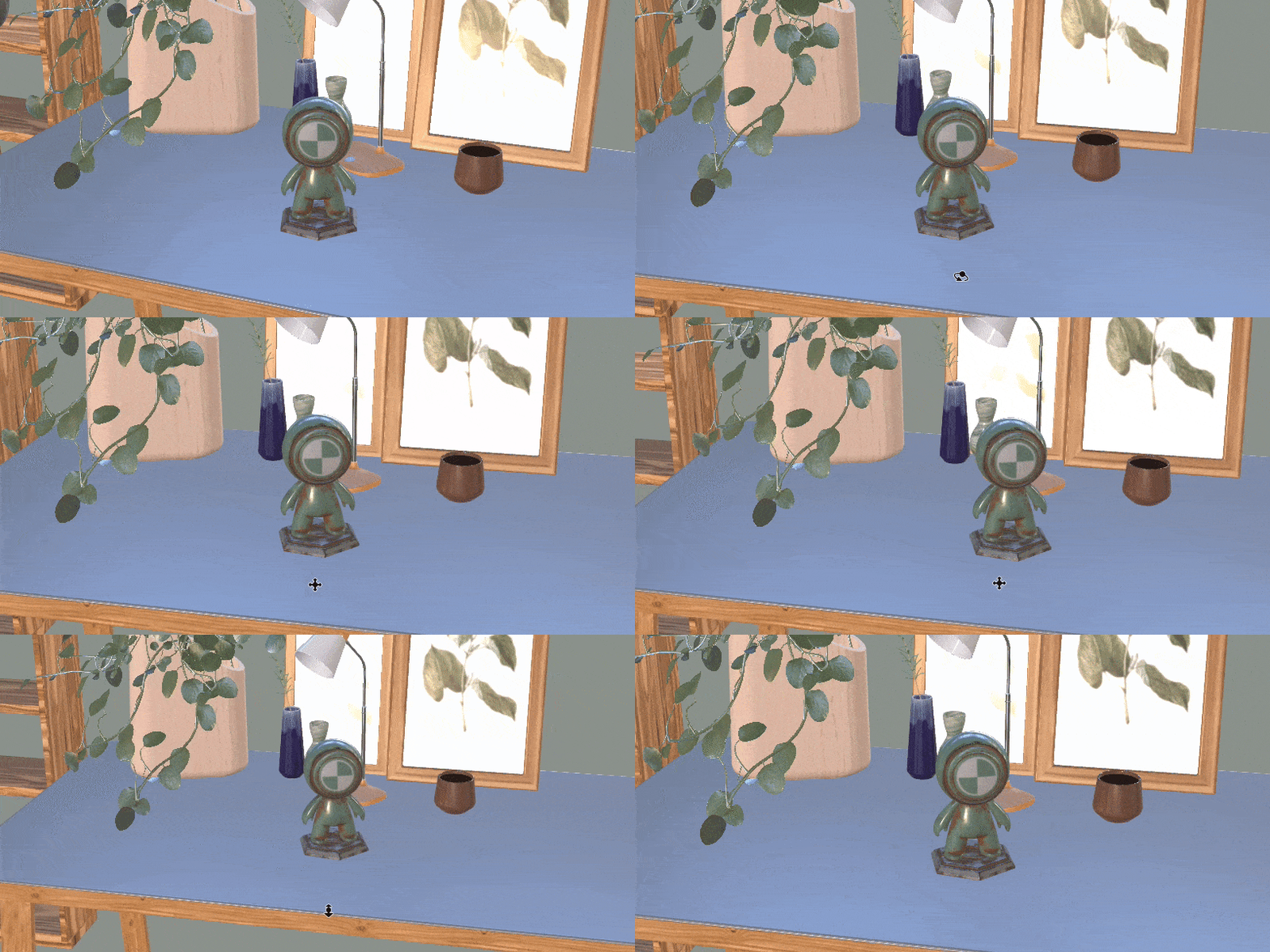
Use the camera tools in Adobe Dimension to control camera objects in the viewport. For information on using cameras in the viewport, see viewport navigation.
To use the camera tools
- Switch to one of the camera tools on the toolbar.
- Drag in the viewport to use the tool
Name |
Description |
Shortcut |
|---|---|---|
Orbit |
Rotate the camera around the scene. |
1 RMB |
Pan |
Move the camera up, down, left, and right. |
2 MMB |
Dolly |
Move the camera forward and backward. |
3 Scroll wheel |
| Tripod | Pivot the camera to look around. | 4 |
| Roll | Tilt the camera on its side. | 5 |
| Field of View | Change the camera lens angle. |
6 |
| Dolly Zoom | Change the field of view and dolly the camera to maintain framing. | 7 |
| Horizon | Align the camera based on the ground horizon. | N |

Design stunning 3D visuals with Dimension
Create photorealistic 3D images for product mockups, branded content, and more.
