Last updated on
Jul 13, 2023
Shape tools
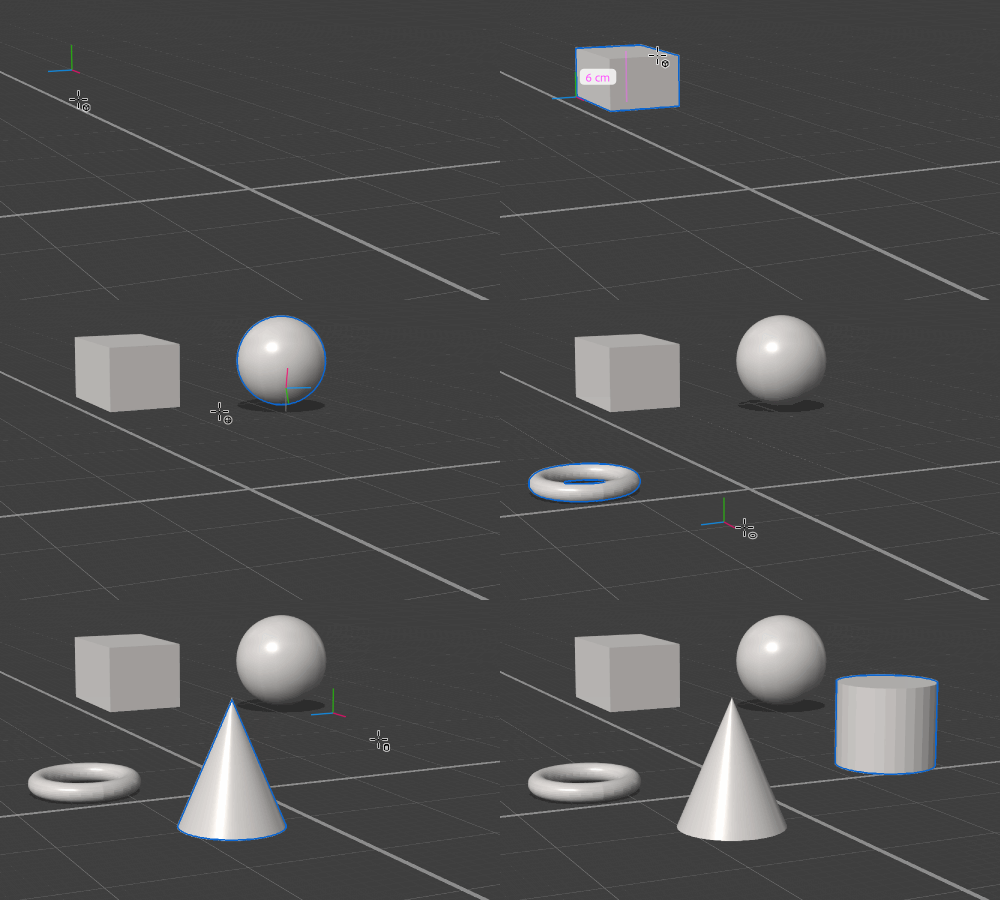
Use the shape tools in Adobe Substance 3D Stager to draw and stamp basic 3D shapes. See the shape documentation for details on the properties for each shape.
To use the shape tools
- Activate a shape tool on the toolbar.
- Click and drag in the viewport to draw the shape.
- Change tool options to customize the tool interaction methods.

| Name | Description | Shortcut |
|---|---|---|
| Box tool | Creates boxes and cubes. | M |
| Sphere tool | Creates spheres. | O |
| Torus tool | Creates tori. | U |
| Cone tool | Creates cones. | K |
| Cylinder tool | Creates cylinders. | Y |
Tool Options
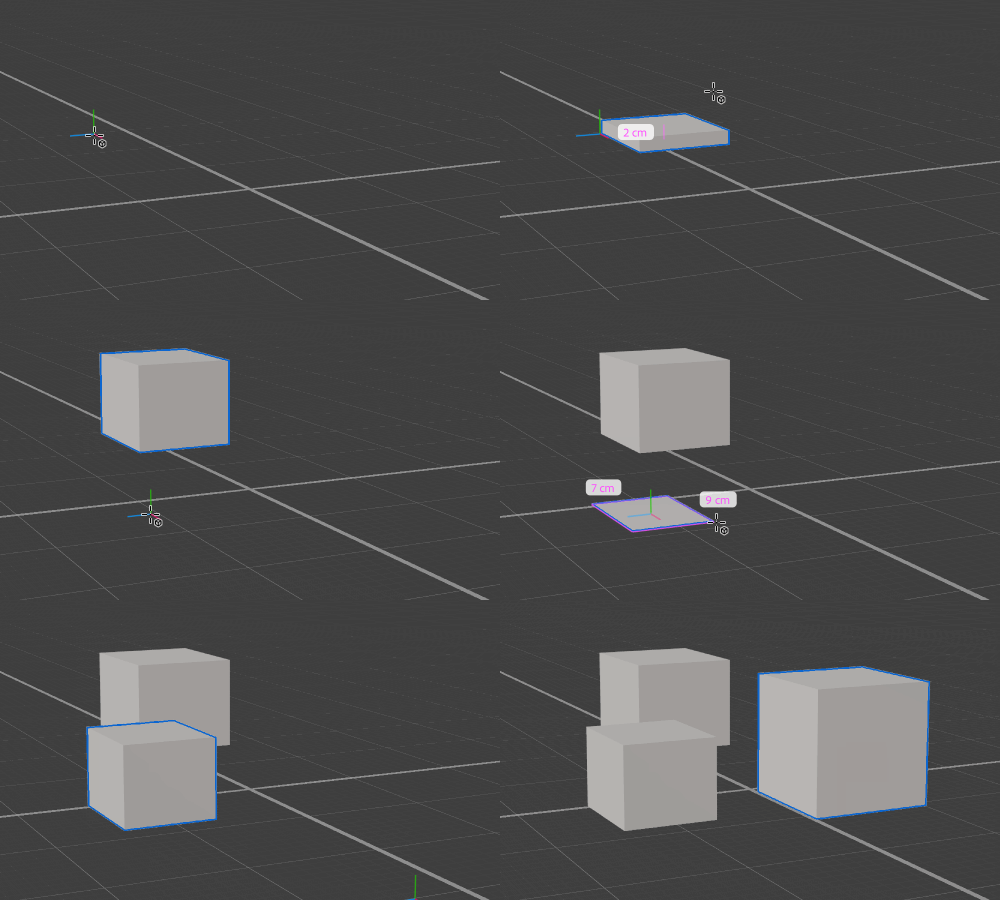
Construction method
The method for viewport interactions.
Base: Draw the shape from corner to corner of the base.
Center Base: Draw the shape outward from the center of the base.
Stamp: Create a shape with default properties and uniform scale.

Render photorealistic scenes with Substance 3D Stager
Stage 3D assets, set up lighting, and create stunning virtual photographs.
